About Pixel Color Quest
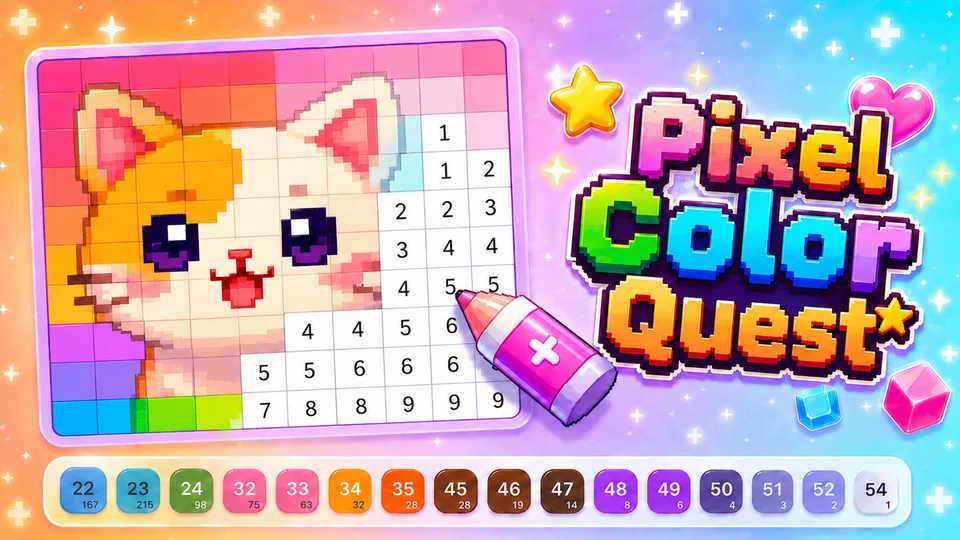
Transform a blank grid into vibrant pixel art by matching cell numbers to corresponding colors in the palette. Progress through various themes and difficulty levels to complete detailed images.
Fill the grid with color to reveal hidden pixel art
🎮 How to Play
💡 Tips & Strategies for Pixel Color Quest
1Scan the Full Board First
Check all available moves before committing so you avoid trapping key pieces or blocking future matches.
2Build Chain Combos
Look for moves that open multiple follow-up matches or higher-tier merges at once.
3Keep Space Open
Preserve empty slots or open lanes on the board to give yourself room for larger combinations.
4Save Boosters for Deadlocks
Hold onto hints, shuffles, or undo tools until the board genuinely tightens up.
⚡ Game Features & Highlights
- ✔Genre & Style: Categorized under Drawing with tags including drawing, color, relaxing-games, painting-games.
- ✔Display Mode: Portrait-friendly mobile & desktop viewport.
- ✔Player Mode: Single-player browser session with instant HTML5 launch and no downloads.
❓ Frequently Asked Questions
How do you play Pixel Color Quest?
Use the left mouse button to select colors and fill cells on desktop or tap to interact on mobile devices.
Can I play Pixel Color Quest on mobile and desktop?
Yes. Pixel Color Quest runs directly in modern mobile and desktop browsers with portrait-friendly mobile & desktop viewport.
Who published Pixel Color Quest on BentoTiles?
Pixel Color Quest is listed under Drawing games by Playgama (drawing, color, relaxing-games, painting-games).