About Block Studio
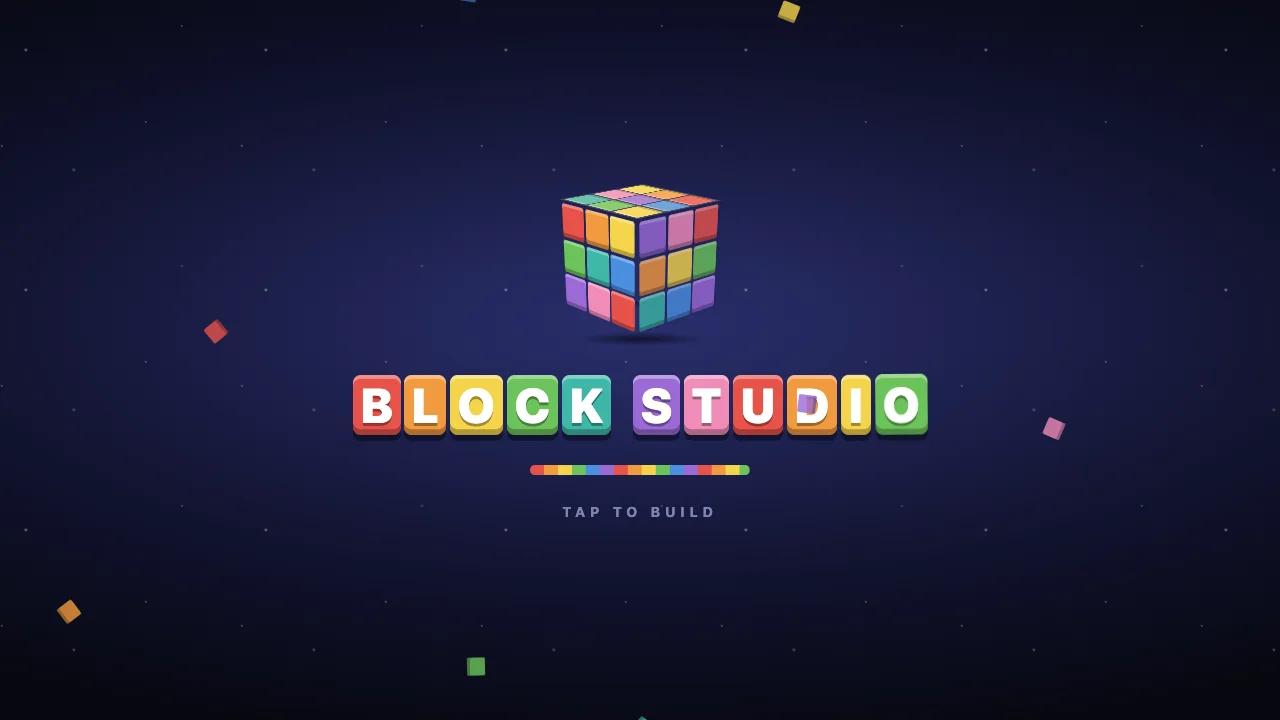
Block Studio is a 3D voxel building sandbox where you place, paint, and carve colorful blocks across persistent worlds you can sculpt from scratch or remodel. Choose from multiple saved worlds or start a new plot using three templates: the cozy Starter House cottage, the two-story Grand Manor estate with gardens, or a blank Empty Plot. A live preview highlights where blocks will snap or disappear as you stack structures, dig into terrain, switch colors on the palette, and undo mistakes. The settings menu also offers Low, Normal, and High graphics presets, Vibrant Visuals, seven interface languages, and customizable on-screen button layouts. Tap or click to place or erase blocks and drag or pinch to orbit and zoom around your build. On desktop, speed up construction using E or X to toggle erase, Z to undo, C to cycle colors, R and F to rise or sink, and number keys for palette slots.
Test your reaction speed and chase the ultimate high score in Block Studio!
🎮 Hogyan kell játszani
💡 Tips & Strategies for Block Studio
1Control Key Lanes Early
Establish strong positioning around choke points or central zones from the opening turns.
2Balance Offense and Defense
Avoid overcommitting resources to a single push without leaving a fallback defense.
3Upgrade vs. Expand
Strengthen existing units at critical junctions instead of spreading weak placements everywhere.
4Track Turn Economy
Save high-impact cards or abilities for pivotal moments when they swing momentum.
⚡ Game Features & Highlights
- ✔Genre & Style: Categorized under Arcade with tags including keyboard, mobile, html5, casual.
- ✔Display Mode: Adaptive landscape & portrait browser support.
- ✔Player Mode: Single-player browser session with instant HTML5 launch and no downloads.
❓ Frequently Asked Questions
How do you play Block Studio?
Arrow Keys or WASD to navigate and control movement. Tap, click, or drag on screen for intuitive touch and mouse play
Can I play Block Studio on mobile and desktop?
Yes. Block Studio runs directly in modern mobile and desktop browsers with adaptive landscape & portrait browser support.
Who published Block Studio on BentoTiles?
Block Studio is listed under Arcade games by generic (keyboard, mobile, html5, casual).