About Game Factory
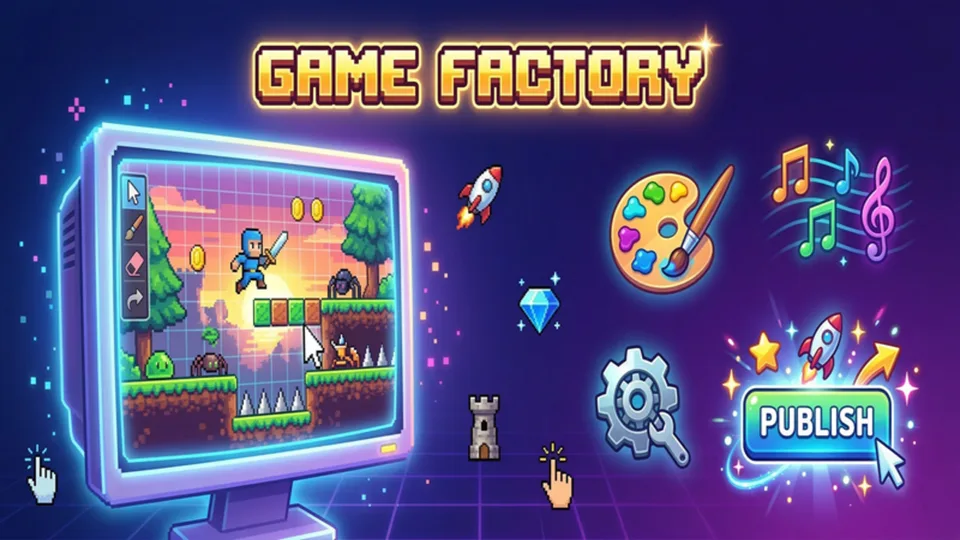
Design and publish unique games across six genres by drawing pixel art, customizing physics, and selecting soundtracks. Earn coins to upgrade your studio and unlock new creative tools.
Build your own games from scratch
🎮 कैसे खेलें
💡 Tips & Strategies for Game Factory
1Reinvest Early Earnings
Upgrade core income generators first so passive output scales quickly over time.
2Balance Bottlenecks
Watch which station or resource slows down your production loop and upgrade it before expanding.
3Unlock Automation Early
Prioritize automated workers or multipliers so progress continues smoothly between active bursts.
4Complete Milestone Goals
Follow active tasks and upgrades to unlock new areas and higher-tier rewards faster.
⚡ Game Features & Highlights
- ✔Genre & Style: Categorized under Simulation with tags including simulation, customization-games, scratch-games, creativity-games.
- ✔Display Mode: Portrait-friendly mobile & desktop viewport.
- ✔Player Mode: Single-player browser session with instant HTML5 launch and no downloads.
❓ Frequently Asked Questions
How do you play Game Factory?
Tap buttons to select genres, draw sprites, adjust settings, test gameplay, and publish creations.
Can I play Game Factory on mobile and desktop?
Yes. Game Factory runs directly in modern mobile and desktop browsers with portrait-friendly mobile & desktop viewport.
Who published Game Factory on BentoTiles?
Game Factory is listed under Simulation games by Playgama (simulation, customization-games, scratch-games, creativity-games).